
Everything the new look can do, and how to set it up. Words in quotes are exactly what you'll see in Teamo.
New to the new look? Start with All-new website designs for the modern sports club. Tap any question to open the answer.
Getting started
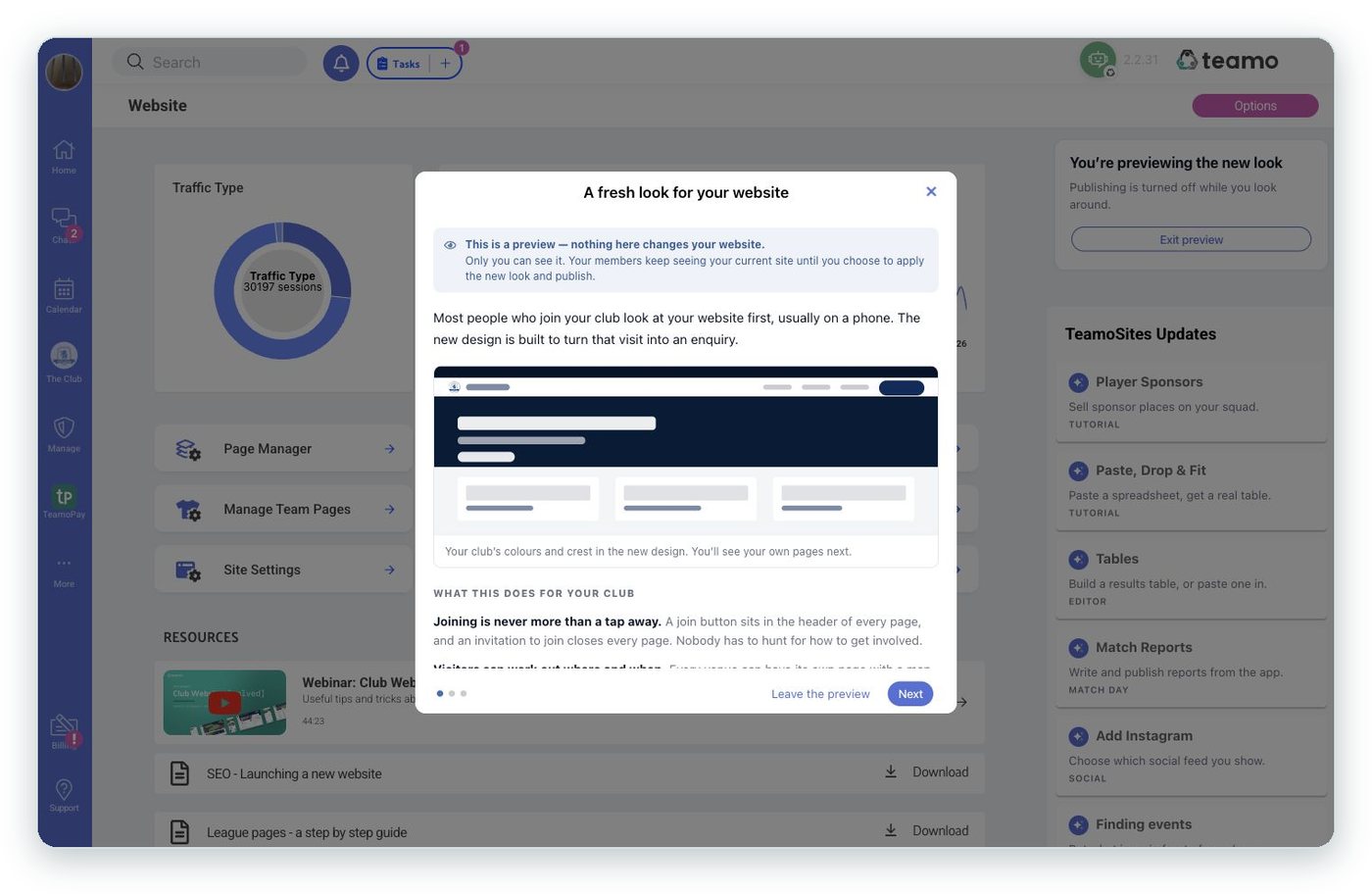
How do I try the new look?
Go to Website in Teamo and press "Preview the new look". A short guide explains what changes, then shows you your own pages in the new design.
Will my members see anything while I'm trying it?
No. "Only you can see it. Your members keep seeing your current site until you choose to apply the new look and publish." While you're previewing, publishing is switched off.
Do I have to rebuild my pages?
No. Every page you've written, your news and match reports, your web address, your fixtures and teams, your colours and crest, and member logins and bookings all stay exactly the same.
How do I switch it on for real?
Press "Save and use this look", confirm with "Yes, apply it", then "Publish everything". Publishing everything takes 5–10 minutes, and your members see the new look from then on.
Can I go back to the classic look?
Yes. Before you publish, press "Go back to my classic look". After you've published, switch "Modernise your site" off in Site settings → Appearance and publish. The hero words and closing invitation you wrote are kept, in case you come back.
I pressed "Not now". How do I get the offer back?
"Not now" hides the offer for 30 days. You can also turn the new look on any time from Site settings → Appearance.
Where do I change things once it's live?
In Pages, the "Look & feel" row opens the same "Make it yours" panel. Changes go live on your next publish.
Your photos: the one question that sets you up
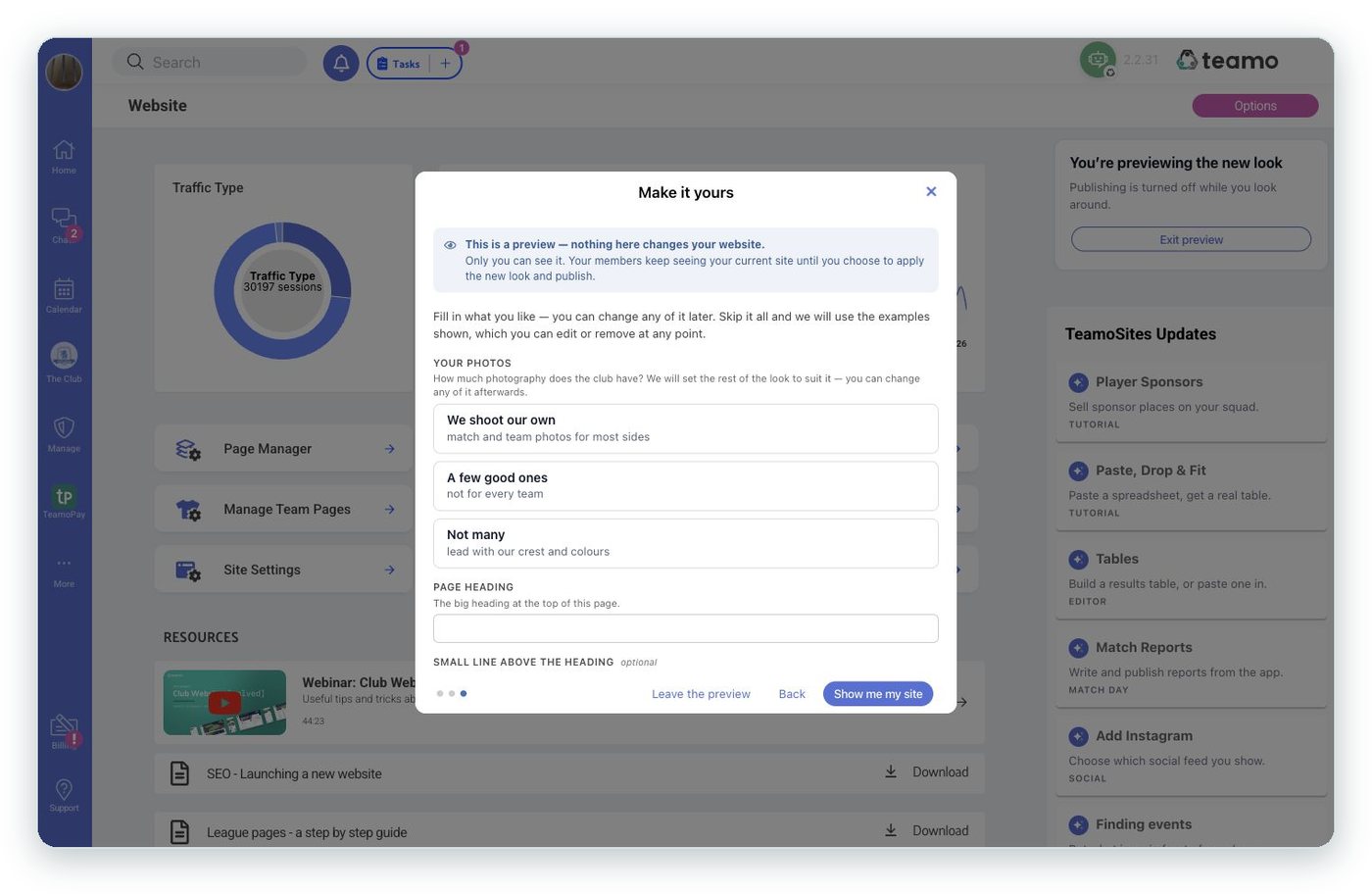
What does the "Your photos" question do?
It asks "How much photography does the club have?" and sets five parts of the look to suit your answer:
| Your answer | Over your hero photo | Page headers | Photos on "In focus" cards | Where your sponsors go | Section headings |
|---|---|---|---|---|---|
| "We shoot our own" | Neither | Photo | On | Band | Compact |
| "A few good ones" | Shade | Short photo | On | Strip | Standard |
| "Not many" | Colour wash | Club colour | Off | Strip | Standard |
We don't have many photos. Will the site look empty?
No. Choose "Not many". Page headers use your club colour, "In focus" cards show your headlines on your club colour, and the welcome section shows your crest.
Can I change the settings it picked?
Yes, any of them. Your answer stays, with a note that you've changed some of it since. Choosing an answer again resets all five.
The home page hero
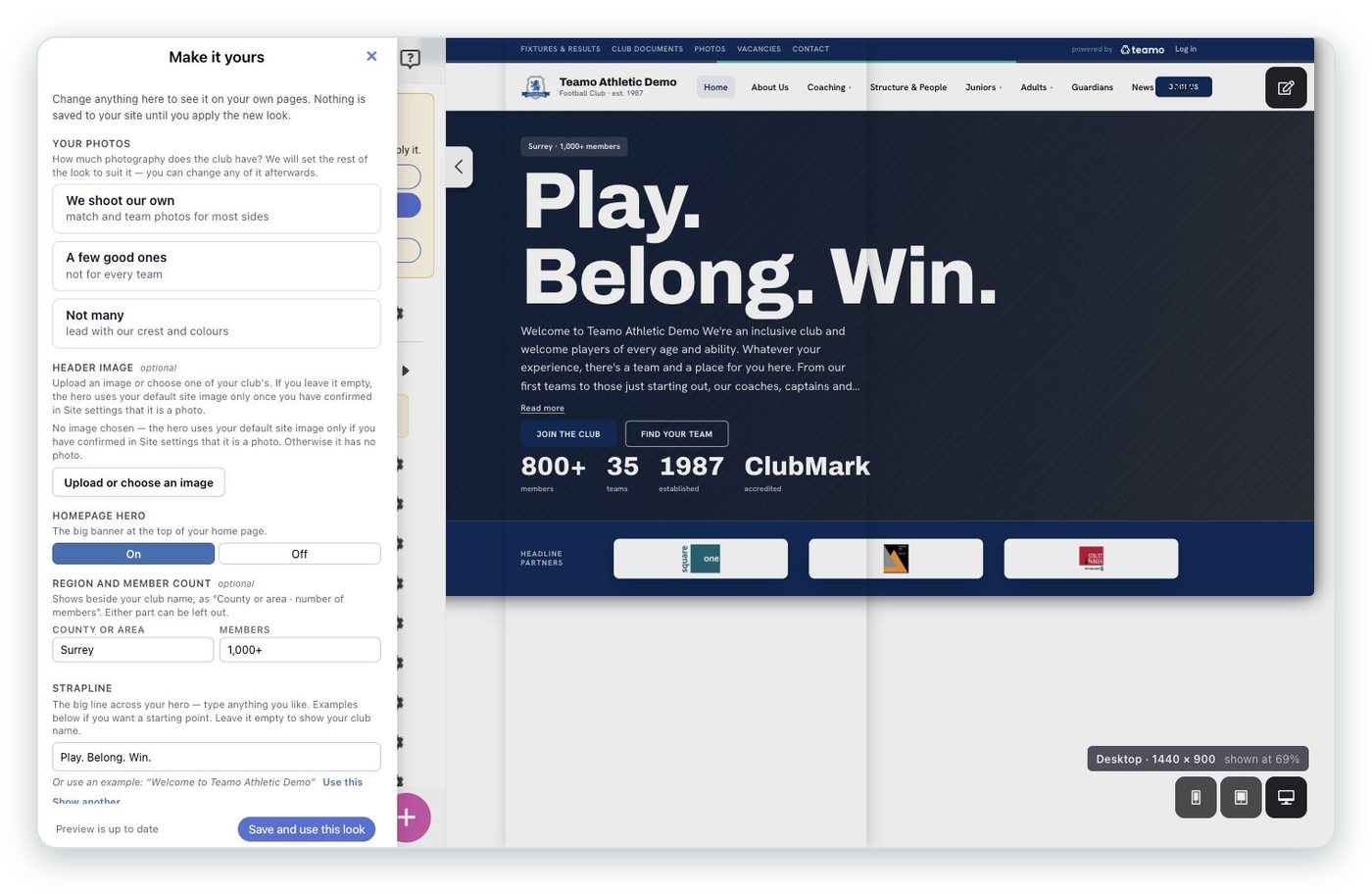
What can I put in the hero?
- "Header image": the big photo.
- "Strapline": the big line. Type your own, or pick from examples with "Use this".
- "Short intro (under the heading)": a sentence or two.
- "Region and member count": shown as "County or area · number of members".
- "Year the club was founded": shown as "est." and the year.
- "Buttons": the first is your main button, the second is outlined, and any more show as small links.
- "Numbers worth shouting about": two to four headline numbers, such as members, teams or the year you were founded.
- "Accreditations": for example, "Clubmark accredited".
What's the difference between "Separated" and "Combined"?
"Hero layout" applies to every page. Separated gives the hero its own band, with your highlights below it. Combined brings one highlight up beside the hero as an "In focus" card. Your numbers show in the Separated layout.
What does "Over your hero photo" mean?
It sets what sits between your photo and your words. "Colour wash" uses your club colour, "Shade" adds a soft dark fade at the bottom, and "Neither" puts your words below the photo instead of on top.
I haven't set a header image. What shows?
Your club's default site image, once you've confirmed in Site settings that it is a photo ("This is a photo (no text or logos)"). Otherwise the hero uses a plain background. Promo graphics with text or logos don't work well behind a headline, which is why we ask.
Can I switch the hero off?
Yes. "Homepage hero" has an On / Off switch.
Joining
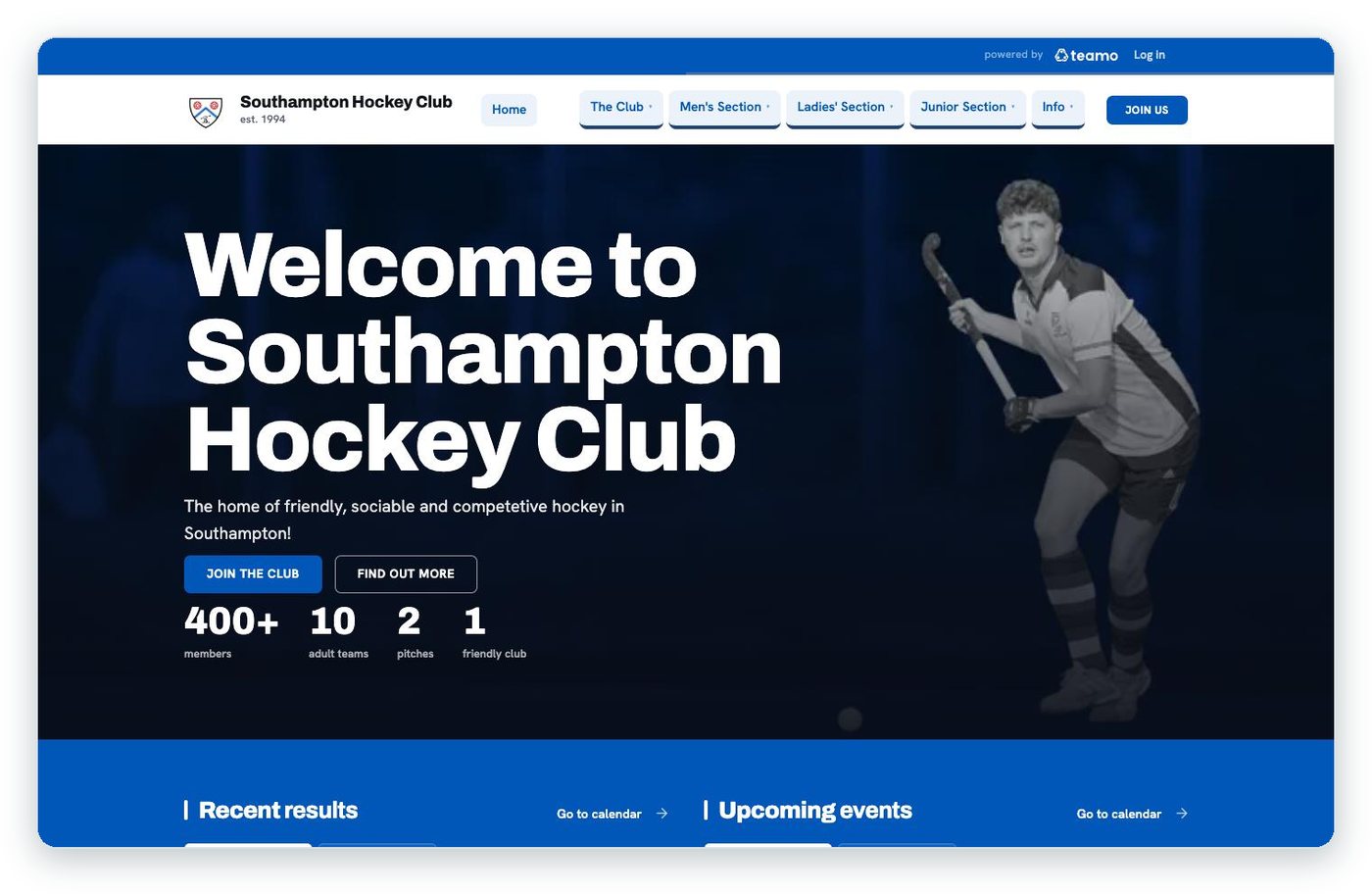
Where does the join button appear?
In the header of every page, in the hero, in the welcome section and in the footer. The "Membership button" setting lets you keep the standard wording, use your own, or switch all four off.
Where do the buttons go?
Wherever joining starts for your club: your registration page, a sign-up form, or any page you choose. A button with nowhere to go is hidden.
What is the "Closing invitation"?
A band at the foot of your pages inviting visitors to join, such as "Ready to join us?". It can have a photo, a supporting line and buttons. Choose "Show it on": "All pages" or "Home only", or switch it off.
Sponsors

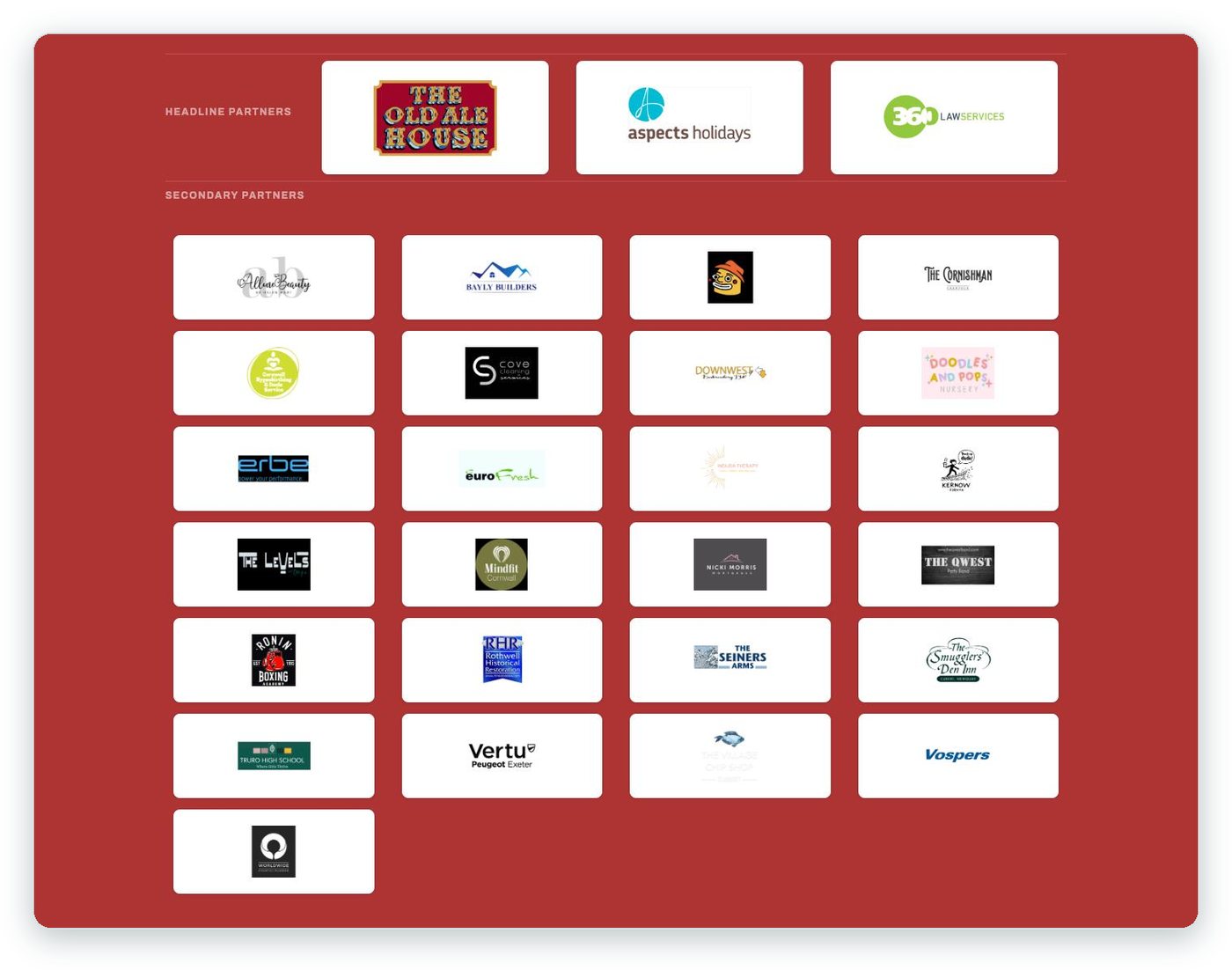
Where do our sponsors appear?
Headline sponsors get the prominent block on your home page. Secondary sponsors appear in your footer.
What are "Strip" and "Band"?
"Where your sponsors go" sets where headline sponsors sit. Strip puts them directly under your welcome. Band puts them in a partners section lower down. Both does both.
How many headline sponsors show?
Choose 1 to 4 with "Headline slots" in Website → Sponsors. If you have more, the editor tells you how many aren't shown, so you can move them or use the band.
What size should sponsor logos be?
600 × 200 pixels (3:1): a transparent PNG, trimmed close to the logo. Or choose "Use original size" to skip cropping. Every logo is shown in full on the page.
Can sponsors appear in our emails and app too?
Yes. Each sponsor has "Include in email", and the Sponsors page has "Include club sponsors on newsfeed".
Fixtures, results and league tables
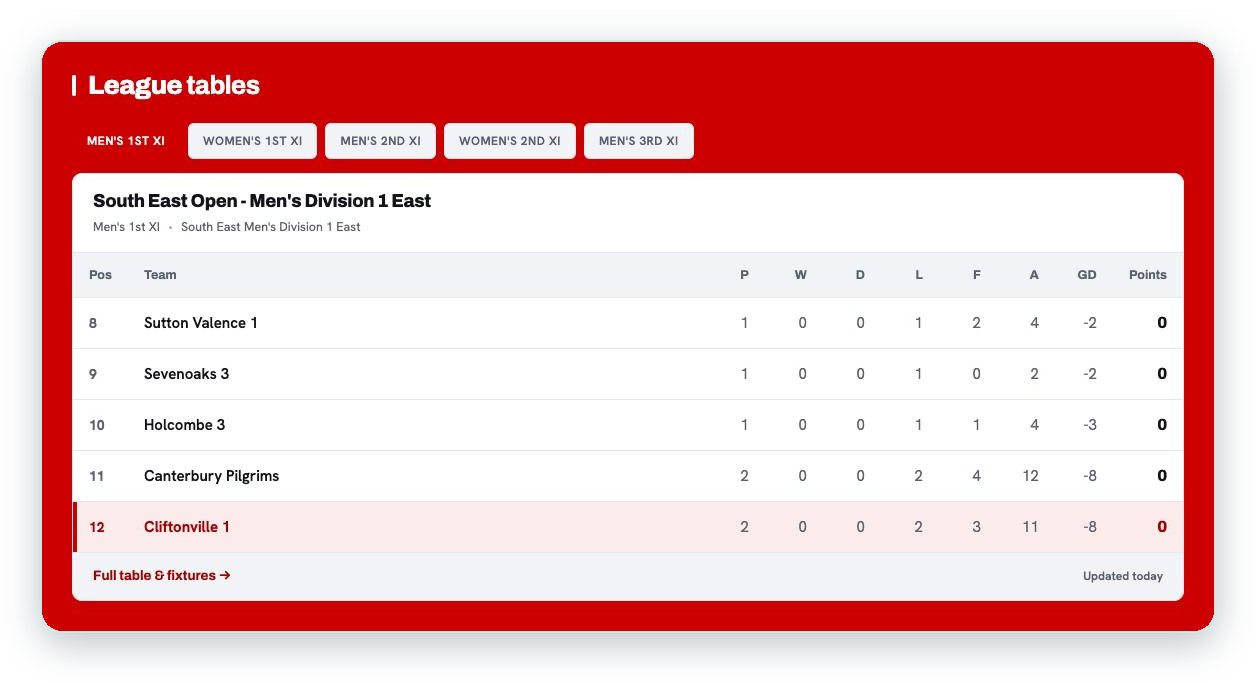
Can our fixtures and results go on the home page?
Yes. Choose the sides to show under "Fixtures & results". Results and upcoming fixtures are grouped by section.
Can we show league tables?
Yes. Under "League Tables", switch on a table for each side and drag them into the order you want. Visitors switch between them with a tab for each team.
Does each match get its own page?
Yes. Each match has its own page, with the fixture as the headline.
Can people find our fixtures on Google?
Yes. On every Teamo club site, your next six weeks of fixtures are listed for search engines and AI assistants.
News, "In focus" and the welcome section
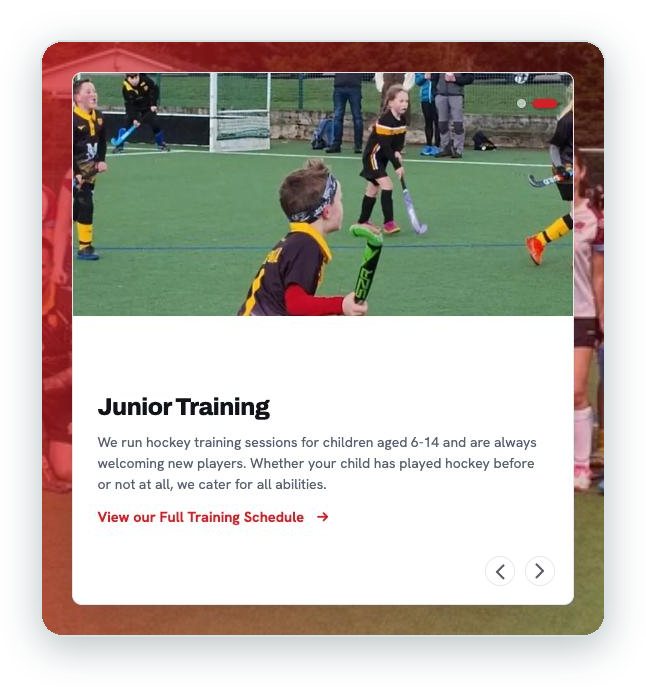
What is "In focus"?
Your featured stories. With Combined, one story sits beside the hero. With Separated, the hero gets its own band with your highlights below it. Give each story a "Tag", such as "Match report", to label it.
What goes in the welcome section?
A "Welcome heading", a few lines of "Welcome text", an optional "Welcome photo" and a button. With no photo and the "Not many" answer, your crest shows in a block of club colour.
Can I change the "See all news" link?
Yes. "“See all news” link text" sets its wording.
Which home page sections can I switch on or off?
"Welcome section", "Fixtures & results", "Latest news", "Sponsors", "Contact form", "Where to find us" and "Instagram".
Other pages
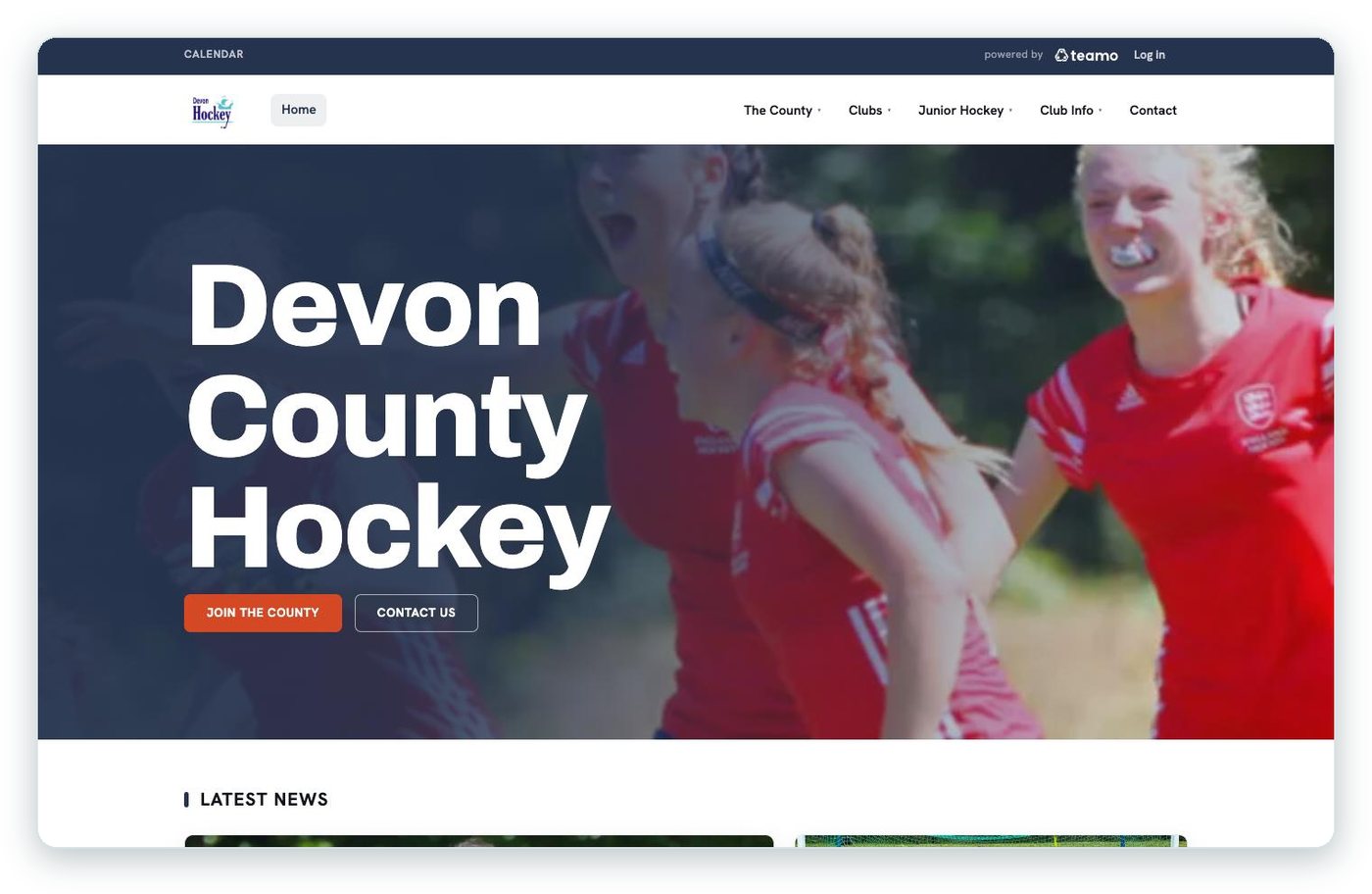
What about pages other than the home page?
"Page headers" sets the top of every other page: Photo, Short photo, Club colour ("designed for a club without much photography") or Plain. Each page can have its own "Header image" and a "Small line above the heading". Leave the image empty to use your club's usual header image.
What happens to news articles?
The article's header image becomes a large lead picture (1400 × 1000 works best), and the article's tags label it.
Can venues have their own pages?
Yes. Add a photo, the "Playing surface", "Spectator capacity" and anything else. The page shows "Getting here", "Facilities", "Access" and a map: the things somebody needs before they turn up for the first time.
How are team pages laid out?
"Team page sections": "Separate pages" gives each section its own page; "One page" keeps them together, which is better when a team has five or more sections. Add the division, current standing, coach and captain.
Contact
Are our email addresses published?
No. Visitors choose who they want to contact, such as a role or a named person, and the message goes straight to them. Add a "Phone number" to the contact page and visitors can tap it to call.
Colours, lettering and footer
Can we use our club colours?
Yes. Your "Site colours" carry through the whole site. Add "Kit colours" for a stripe in your kit colours. Where your club colour is used for text, the new look adjusts it to meet accessibility contrast standards.
Can we change the fonts and heading sizes?
"Lettering": "Two typefaces" or "One typeface". "Section headings": "Standard", "Compact" or "Statement".
What can go in the footer?
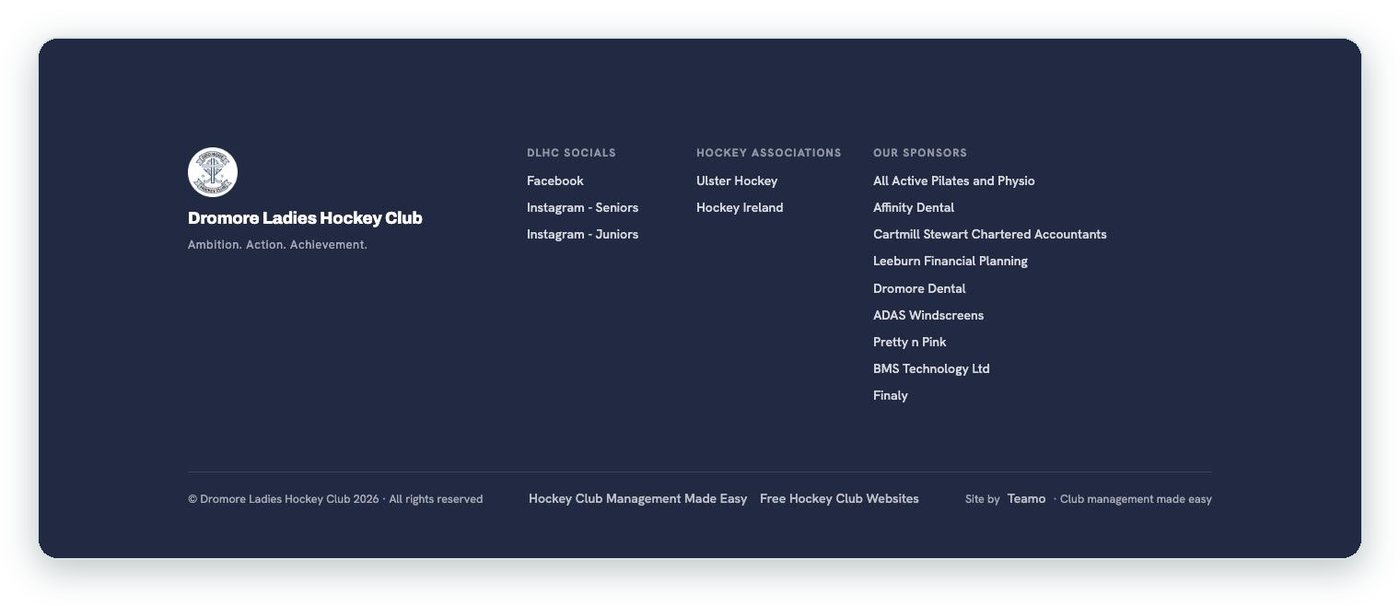
Up to four "Footer link columns", each with its own heading, a "Tagline" of up to 60 characters (for example "Fast · Fearless · Fun"), and links to your Facebook, Twitter and Instagram.
Phones, sharing and speed
Does it work on phones?
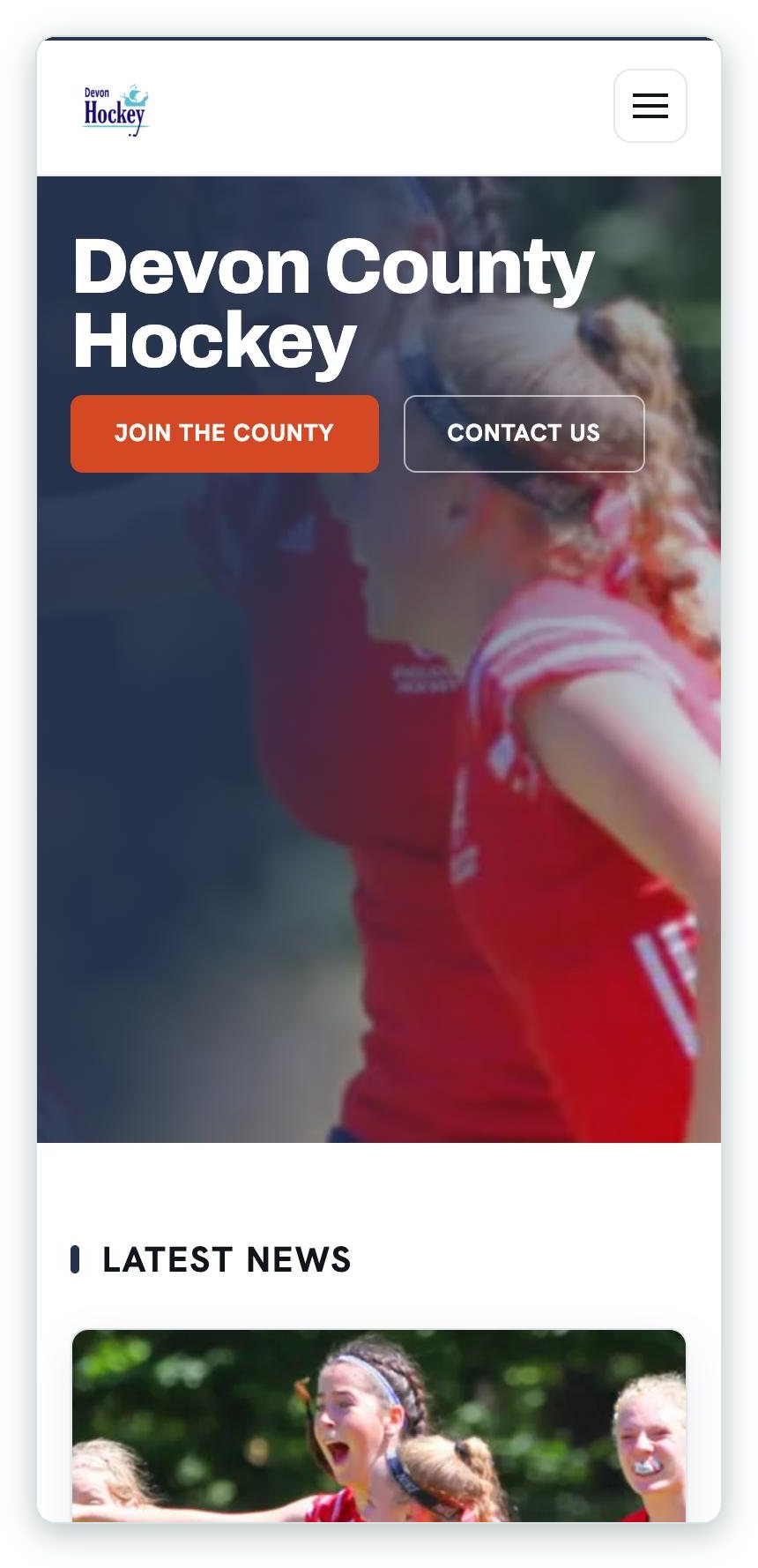
Yes. It's designed for phones first, with a slide-out menu and bigger, easier tap targets. Preview your site on Mobile before you publish.
What happens when someone shares a page?
The link carries your own web address and a ready-made preview card. Match pages get their own match card.
Is it fast?
A typical Teamo club home page now loads in about 600 KB on a phone.
Images
What sizes should our images be?
| Image | Size | Tip |
|---|---|---|
| Page header / home hero | 1920 × 780 | Keep faces and the action in the middle; phones trim the sides |
| Featured photo | 1290 × 516 (2.5:1) | Keep the subject centred; phones show a squarer crop |
| Article header photo | 1400 × 1000 (7:5) | |
| Sponsor logo | 600 × 200 (3:1) | Transparent PNG, trimmed close to the logo |
Or choose "Use original size" to upload without cropping.
Related help
- All-new website designs for the modern sports club: why the new look, with real club examples.
- Paste, Drop & Fit: more new tools in the website editor.
- Player Sponsors: a sponsor behind every player.
Still stuck? Use the Support button in the app and we'll pick it up.


