
FIRST NAME *
SURNAME *
EMAIL *
PHONE
MESSAGE *
teamo
This site is protected by reCAPTCHA and the Google Privacy Policy and Terms of Service apply.
Thanks for your message!
We will do our best to get back to you as soon as possible.

Managing a sports club means juggling a lot of information — member details, registration answers, payment records, and match stats. But when you need that data outside of Teamo, whether for committee meetings, safeguarding records, or just a simple spreadsheet, getting it out shouldn't be a headache.
That's where the Download Wizard comes in.
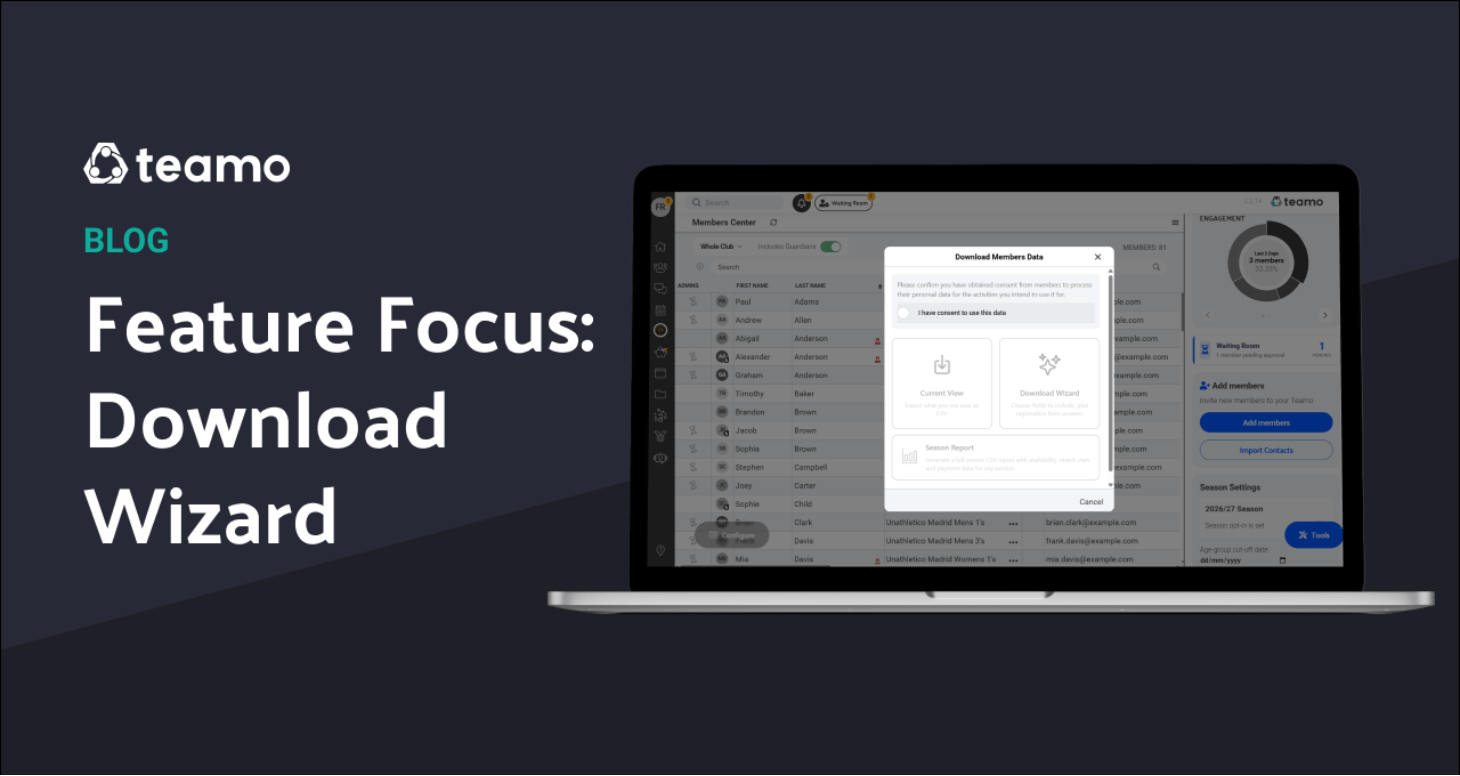
The Download Wizard is a powerful export tool that lets you build a custom CSV report from your club's data. Instead of a one-size-fits-all export, you choose exactly which fields to include, drag them into the order you want, and download a clean spreadsheet — ready for Excel, Google Sheets, or whatever you use.
You'll find it by navigating to the Members Centre > clicking on Tools in the bottom right-hand corner > then selecting Download, and then Download Wizard.
When you tap Download, you'll see three options:
The wizard opens with a two-panel layout. On the left, you browse and tick the fields you want. On the right, you see your selected fields and can drag them into the exact column order you need.
Fields are grouped into categories you can switch between using the dropdown:
Hit "Select All" to grab everything in a category, or pick individual fields. Drag to reorder. Remove what you don't need. It's your report.
Here's a feature that catches a lot of clubs by surprise — you can download every answer from your registration forms as a spreadsheet
If your club uses registration forms to collect medical information, emergency contacts, dietary requirements, photo consent, kit sizes, or any other custom questions, all of those answers are exportable through the wizard.
How to download the reg form answers:
1. Go to Members Centre
2. Tap Download → choose Download Wizard
3. In the field category dropdown, select Reg. Form Answers
4. Tick the questions you want to export (or hit Select All)
5. Arrange the column order on the right panel
6. Tap Download
Each registration question becomes its own column in the CSV. Yes/No questions export as "Yes" or "No". Multiple choice questions show the selected option. Declaration fields include the signer's name and timestamp. Even Image uploads are handled — the wizard bundles them into a downloadable zip file.
Many clubs collect important information through registration forms, but don't realise they can pull it all out again in one go. Common use cases:
No more scrolling through individual profiles — it's all in one spreadsheet.
If you find yourself downloading the same combination of fields regularly, you can save your configuration as a report template. Next time, just tap "Load Report" and your field selection is restored instantly.
If any of your registration form answers include uploaded images (like ID photos or medical certificates), the wizard doesn't just skip them. It verifies that all files are available, bundles them into a zip, and gives you an estimated download time if there are more than a few. If any files are missing, you'll see a clear warning before the download starts.
The Download Wizard works on both web and mobile. On the web, your CSV downloads straight to your browser. On the app, it saves to your device. Same wizard, same data, wherever you are.
1. Members Center → Download** → **Download Wizard
2. Pick your fields from any category
3. Drag to reorder
4. Download
That's it. Your data, structured exactly how you need it.
Have a feature you'd like us to spotlight? Let us know — we love hearing how clubs use Teamo.
Our Partners


We will do our best to get back to you as soon as possible.