Teamo - Club Management Made Easy

Teamo

powered by
Article

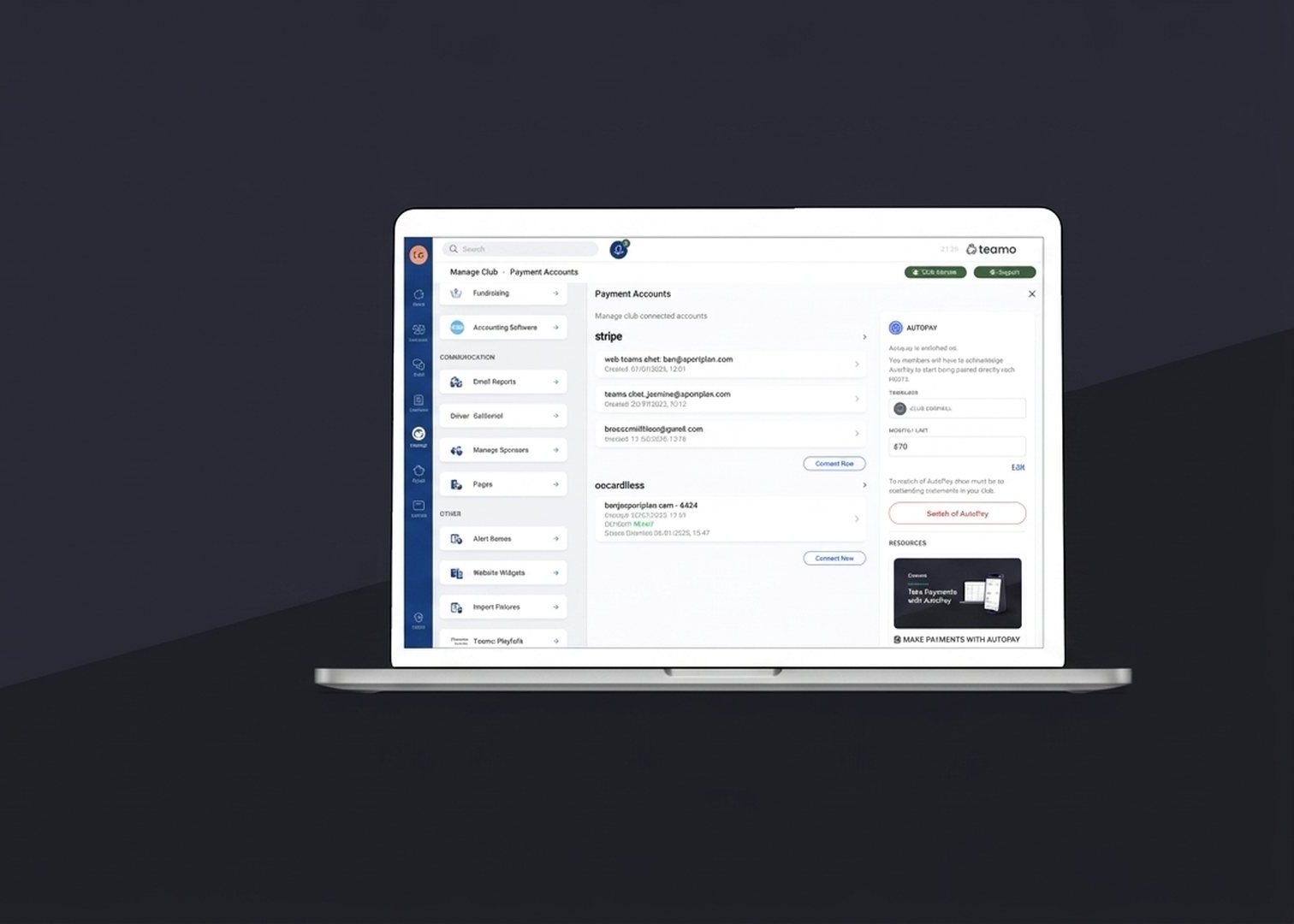
Feature Focus: Autopay - recurring payments, sorted, with full admin control

Feature Focus: Autopay - recurring payments, sorted, with full admin control

Managing subscription payments is an important part of running a successful club, but it can also take up valuable committee time. Each month, this often involves checking payment status, sending reminders, resolving standing order issues, and supporting members who are setting up payments for the first time.

Teamo AutoPay removes that workload. Once a member acknowledges AutoPay, their outstanding invoices are collected automatically on the 5th of each month through GoCardless, Stripe, or TeamoPay with no further intervention required from the club.

From this release, we are introducing a long-requested addition for administrators: a one-click option to revoke a member’s AutoPay acknowledgement. This is the headline change in the update, and we will cover it in detail below. First, however, a brief overview of what AutoPay does for your club.

What AutoPay actually does

AutoPay is Teamo’s automated collection engine for recurring club payments. This includes subscriptions, match fees, training fees, and kit instalments, along with any other charges issued as invoices on a member’s account.

Once a member is opted in, the system:

Once a member is opted in, the system:

  • Bundles their outstanding invoices into a monthly statement on the 1st of the month.
  • Collects the total on the 5th via the club’s connected GoCardless, Stripe, or TeamoPay account.
  • Respects each member’s monthly limit. If a member’s cap is set at £30 and they owe £75, only £30 is collected in the current run, and the remaining balance rolls forward to the following month.
  • Marks invoices as paid automatically once the payment settles, with no manual reconciliation required.

Why clubs benefit from AutoPay

  • A significant reduction in payment chasing: the volume of follow-up correspondence with members and parents is substantially reduced.
  • Predictable cash flow: because every collection runs on the same date, the club has a clear view of received and outstanding funds by the 6th of each month.
  • Configurable monthly limits per member: families with several children at the club can spread larger balances over multiple months rather than receiving a single large bill.
  • Compatible with existing payment providers: AutoPay uses GoCardless for Direct Debit and Stripe for card payments, so there is no need for a new merchant account or contract.
  • Forward visibility: the Chase Payments and AutoPayable widget displays both current collections and projected future collections by member, giving the club visibility months in advance.
  • Member-driven opt-in: each member acknowledges AutoPay from their own account. No member is enrolled without their consent.

New: Admins can now revoke AutoPay for a member

The headline change in this release: club admins can now revoke a member’s AutoPay acknowledgement in one click, directly from the AutoPay admin modal. No support ticket, no database request, no waiting.

The need for this feature is straightforward. A member may be set up on AutoPay and remain on it for an extended period before their circumstances change. Until now, the member could not cleanly undo their own acknowledgement from the app, and the administrator did not have the tools to do it on their behalf. The only available route was to contact Teamo support and wait for the change to be processed.

This release closes that gap.

What’s new in the AutoPay admin view

When you open any member’s AutoPay admin modal, you will see the existing green Authorise action as before. Where a member has already acknowledged AutoPay, a new red Revoke button now appears alongside it.

  • A single click revokes the acknowledgement: the member’s AUTO_PAY attribute is removed, and they are excluded from all future AutoPay statements.
  • Outstanding balances are preserved: revoking AutoPay does not write off any sums the member owes. It simply ends the automatic collection. The member can continue to pay manually, or re-authorise at a later date.
  • The next statement run skips the member: if the revocation is performed before the 1st of the month, the member will not appear on that month’s collection.
  • Fully reversible: if the member wishes to opt back in, the administrator can click Authorise again from the same modal, with no support intervention required.

What it isn’t

One important clarification, as this question came up during testing: Revoke does not cancel the member’s mandate. The mandate is the long-lived Direct Debit authority that exists between the member’s bank and your club, and it is intentionally left untouched by this action. If the member wishes to cancel the mandate itself, they can do so from their own account.

When to use Revoke

The feature is suited to a range of common scenarios, including:

  • At the member’s request: the member would prefer to resume manual payment. A single click completes the change.
  • Member departure: the member is no longer playing for the current season and should not appear on the next statement.
  • Account consolidation with a parent or guardian: where a junior member’s balance is now being paid from a parent’s account, revoking the duplicate AutoPay on the junior’s side prevents double collection.
  • Correcting setup errors: if a member was authorised in error, the administrator can revoke and restart.
  • Seasonal pause: the administrator can revoke for the summer and re-authorise in September.
Share
← All news

Our Partners

England Hockey
ECB - Play-Cricket
GB Australian Rules Football
England Hockey
ECB - Play-Cricket
GB Australian Rules Football
members nameclub role
FIRST NAME *
SURNAME *
EMAIL *
PHONE
MESSAGE *
teamo
This site is protected by reCAPTCHA and the Google Privacy Policy and Terms of Service apply.

Thanks for your message!

We will do our best to get back to you as soon as possible.