A huge month for payments. TeamoPay grew up, memberships got clearer, and the app got faster and steadier. Here’s the round-up.
June was one of our biggest months yet, and most of the energy went into one place: money. TeamoPay went from pilot to properly grown-up, the Payment Centre learned to point you straight at whoever needs chasing, and membership cards got a smart new look. Alongside that, the app itself got noticeably faster and steadier, Academy opened up for everyone to try, and we shipped dozens of fixes from your reports.
Here are the highlights.
TeamoPay is Teamo’s own built-in payments. No third party to set up, money straight to the club. In June it stopped being a pilot and became a full part of the app:
- Available to all eligible clubs. If your club is UK-based and collects in GBP, TeamoPay is ready for you. No more waiting list.
- AutoPay on TeamoPay, with a Card or Direct Debit choice. Members can now set up automatic payments against a TeamoPay account and pick how they pay.
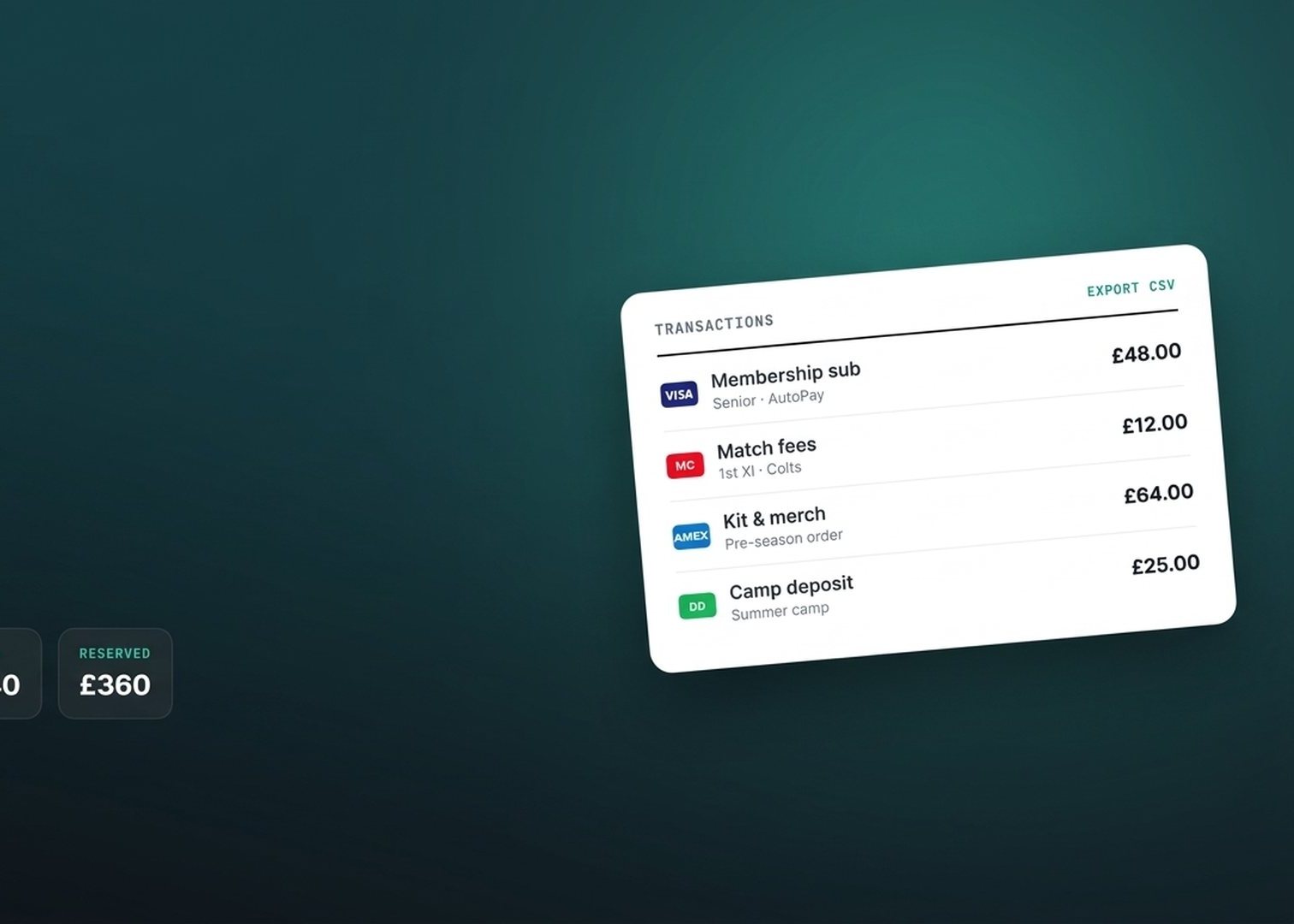
- A proper transactions table. Every payment is tied to the member, product and team, with card-brand logos, sortable columns, a column chooser, and one-click CSV export — reconciling against the club accounts is now a couple of taps.
- Enhanced Payouts. Open any payout to see exactly what it’s made of. A summary (transactions, gross, fee, net to club) and a breakdown by product type, by section, or transaction-by-transaction, each downloadable as CSV.
- At-a-glance balances. Four summary cards up top: incoming, outgoing, available, and reserved.
- A live Payout schedule. See your available / pending / reserved balances, set the balance level that triggers an automatic payout, or request a manual payout to the club bank.
- Multiple bank accounts. Clubs that pay out to more than one bank can now add and switch between accounts.
- Smarter refunds. Refunding a payment linked to an event now lets you choose whether to release the member’s space or keep it reserved, and partial refunds are handled properly.
Our new Academy, player development plans, coach reviews and reports, came out of closed pilot. Any club admin can now open it and take the trial for a spin, with a “See how it works” video to get started. June also brought a full-screen Meeting View, the Hockey Individual Development Plan, and self-serve forms players can fill in on their own, any time.
We put real work into the “Teamo feels slow after I’ve had it closed a while” theme:
- Redesigned loading states and a clearer connectivity banner, plus hardened app-resume: reopening Teamo now fetches fresh data faster and gives you honest “Updating…” feedback instead of quietly showing stale screens, with a tap-to-retry if a load can’t finish.
- Smoother sign-in: clearer, plain-English error messages when a login can’t go through, the verification SMS now arrives on the first tap on iOS, and a fix for a “captive portal” glitch that could leave people stuck on the code screen.
- Accessibility: the calendar and Teamo Rewards now respect your device’s larger-text setting.
- Penalty shootout scores for football and hockey fixtures.
- Play-Cricket opposition names now sync correctly, even when two sides come from the same club.
- Set the number of places on a capped event from your phone.
- A separate ticket purchase deadline, distinct from the availability deadline.
- …and dozens more fixes across chat, the calendar, member profiles and social posts — many of them reported by you.
Thank you to every club who flagged something this month — a lot of these changes came straight from your messages. There’s plenty more on the way in July.
Questions about anything here? Just reach out to the team in-app.
Book a Demo · Get Started Free